
Teacher Sorted · 11 September 2026 · 9 min read
Why being more productive won't fix teacher workload
Learn why greater efficiency alone cannot reduce teacher workload, and how to protect saved time, prioritise tasks and make realistic decisions about what fits.
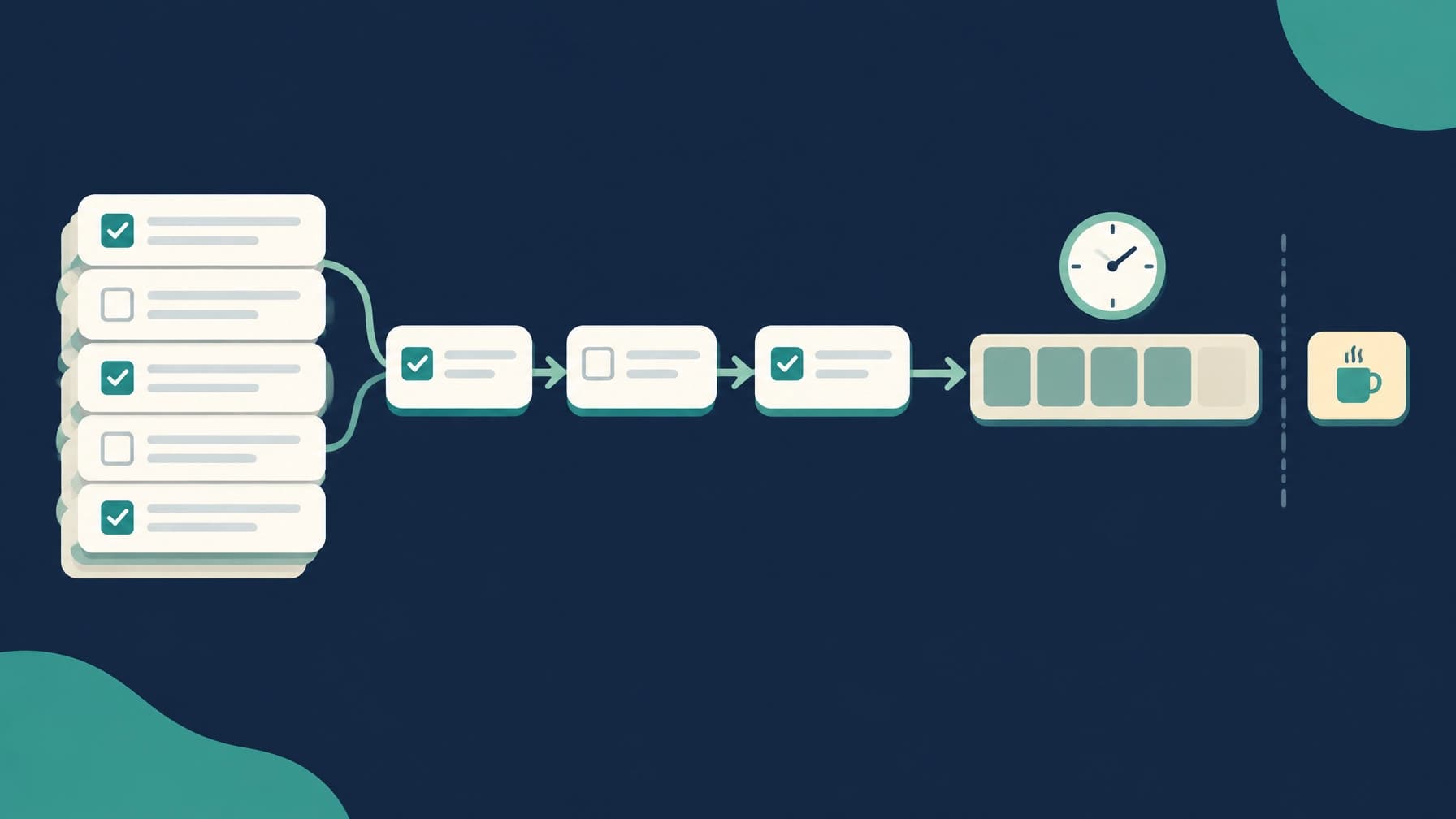
There is a particular kind of frustration in working faster all day and still finishing with the same amount left to do.
You clear the emails. You mark a decent number of books. You find a quicker way to prepare tomorrow’s lesson. You use a template instead of starting again from scratch.
Then another job appears.
A parent needs a reply. A meeting creates three actions. The assessment spreadsheet needs updating. The lesson you planned in ten minutes needs changing because half the class has not understood the previous step.
By Friday, it can feel as though your improved efficiency has mainly helped the workload find you more quickly.
This is why productivity advice often falls short for teachers. It is not that the advice is always wrong. Working more efficiently can help. A better resource, a useful template or a sensible routine can save time.
The problem is what happens to the space you create.
Productivity can make the wrong problem easier
When I taught Year 6, I often tried to get quicker at the tasks that followed me home.
I would batch marking. Reuse planning. Keep folders of resources. Write shorter emails. Find a better way to organise the jobs that were competing for the same small amount of time.
Those things helped. They also made it easier to fit more work into the week.
That is the awkward part.
Teacher workload is not a fixed pile sitting on the floor waiting to be cleared. Teaching creates more work as the week goes on. Every lesson generates decisions. Every class raises new needs. Every meeting produces follow-up. A completed task often reveals the next one.
You can improve how quickly you work, but the work does not necessarily stop arriving.
The Education Endowment Foundation’s review of teacher workload makes a similar point in a broader way. Reducing workload depends on changing unnecessary tasks and expectations, not simply asking teachers to manage a large workload more skilfully.
That distinction matters.
If you become faster but make no decision about what the extra time is for, the time will usually be taken by something else.
Faster is useful when it creates a decision
There is nothing wrong with wanting to save time.
If a marking routine can be simplified without losing the useful feedback, that is worth doing. If a shared department resource saves three people from making the same worksheet, that is sensible. If a short email does the job as well as a long one, write the short email.
But the saving only helps your workload if you decide what happens next.
You might use the time to:
- Leave school when you intended to.
- Prepare properly for tomorrow’s lesson.
- Deal with one important pupil need.
- Take a proper break.
- Move another task to a later date.
- Do nothing work-related for a while.
That last option is allowed. A saved block of time does not have to be filled with another job to justify its existence.
This is where productivity advice tends to become unhelpful. It treats every spare minute as an opportunity to produce something else. For teachers, that can turn a useful improvement into another way of extending the working day.
The question is not only, “How can I do this more quickly?”
It is also, “What am I going to protect if I do?”
AI will save time only if you keep the time
Artificial intelligence makes this issue more obvious.
There are plenty of tasks where AI may help. It can draft a lesson outline, suggest questions, create a first version of a parent letter or produce a set of examples for you to adapt. Used carefully, it can reduce the amount of time spent staring at a blank document.
But saving 20 minutes of planning does not automatically give you 20 minutes back.
The time may become:
- Another piece of planning.
- A more detailed version of the same lesson.
- An extra resource that nobody needed.
- More marking.
- A new admin task that has been waiting for a gap.
- Twenty minutes spent checking and refining the AI output.
There is also the risk that the tool encourages more work. If it makes it easier to produce differentiated resources, extension activities and polished explanations, it may become tempting to create all of them. The original task was to plan the lesson. The new task is to plan several versions of the lesson because it is now possible.
That is not necessarily a problem with the technology. It is a problem with assuming that every available improvement must be used.
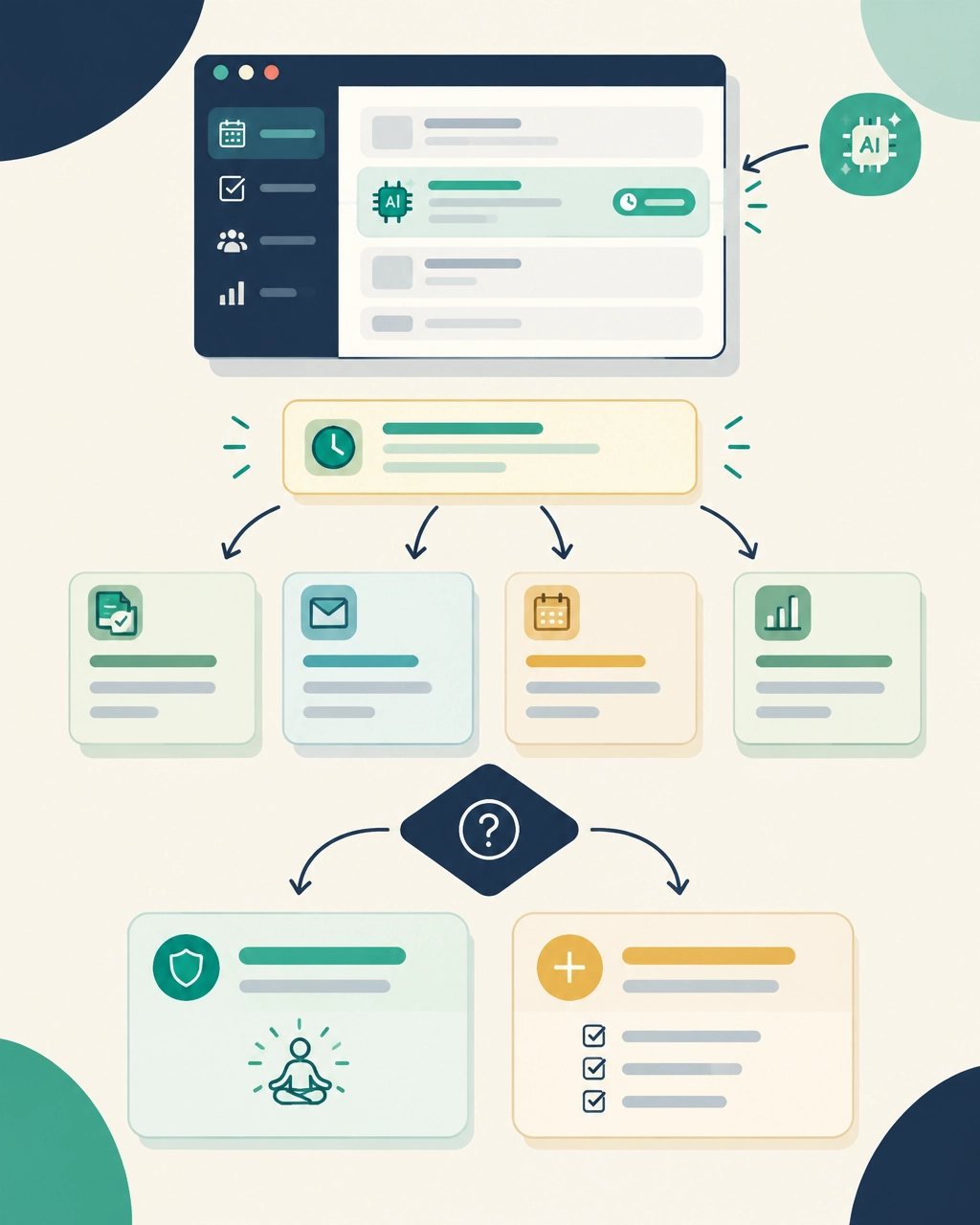
Before using AI to save time, decide what the saving is for.
You might say:
I am using this to reduce planning by 20 minutes. I will use that time to leave on time on Thursday.
Or:
I am using this to create a first draft. I will not spend the saved time making the resource more elaborate.
The Department for Education’s workload resources are useful here because they put technology in its proper place. It should simplify work, not create another layer of expectations around it.
AI can help you do a task more quickly. It cannot decide whether the task should fill the time you have saved.
That decision remains yours.
Start with the time, not the whole list
A standard to-do list asks what needs doing.
That is useful for remembering jobs. It is much less useful for deciding what fits into an afternoon.
A teacher’s list might include:
- Mark Year 8 books.
- Plan next week’s science.
- Reply to two parents.
- Update assessment information.
- Prepare the display.
- Find a resource for tomorrow.
- Chase the trip letter.
- Read the new behaviour policy.
The list gives every task the same amount of space. Your week does not.
Before choosing the work, look at the time that is genuinely available. Count the PPA time you expect to have. Include preparation periods that are likely to remain yours. Add an evening only if you have chosen to work then.
Do not count every ten-minute gap. A gap between lessons may disappear into photocopying, a conversation with a child, a cover change or the search for a missing set of books.
Then look at the work.
Which task affects tomorrow? Which has a fixed deadline? Which can wait without causing a problem? Which could be smaller? Which task is only still on the list because you have always done it that way?
A plan that contains more work than time is not a motivating challenge. It is a description of an impossible week.
Decide what not to do
This is usually the part people avoid.
Teachers are often willing to improve a process. We are less comfortable removing work altogether, particularly when the work appears to be connected to doing a good job.
But reducing workload requires subtraction.
That might mean:
- Using last year’s resource and changing only what needs changing.
- Giving whole-class feedback instead of writing the same comment repeatedly.
- Preparing the essential part of a display rather than completing every detail.
- Replying with the information needed rather than writing a perfect email.
- Asking whether a data task will change a decision.
- Leaving a lower-impact task until next week.
- Asking someone else to choose which of two jobs takes priority.
The NEU guidance on teacher workload and working hours can help when the issue is larger than your own list. Sometimes the right answer is not a better personal routine. It is a conversation about what can reasonably be completed within the time available.
A useful sentence is:
I have enough time to complete two of these three tasks properly by Friday. Which would you like me to prioritise?
That is clearer than staying late and attempting all three badly.
Make the gap visible
There will be weeks when you have already removed the unnecessary work and there is still too much left.
That is important information.
The answer cannot always be to become more organised. If the available time is four hours and the work requires five, there is a gap. Working faster might reduce the gap, but it does not remove the need to decide what happens to the remaining hour.
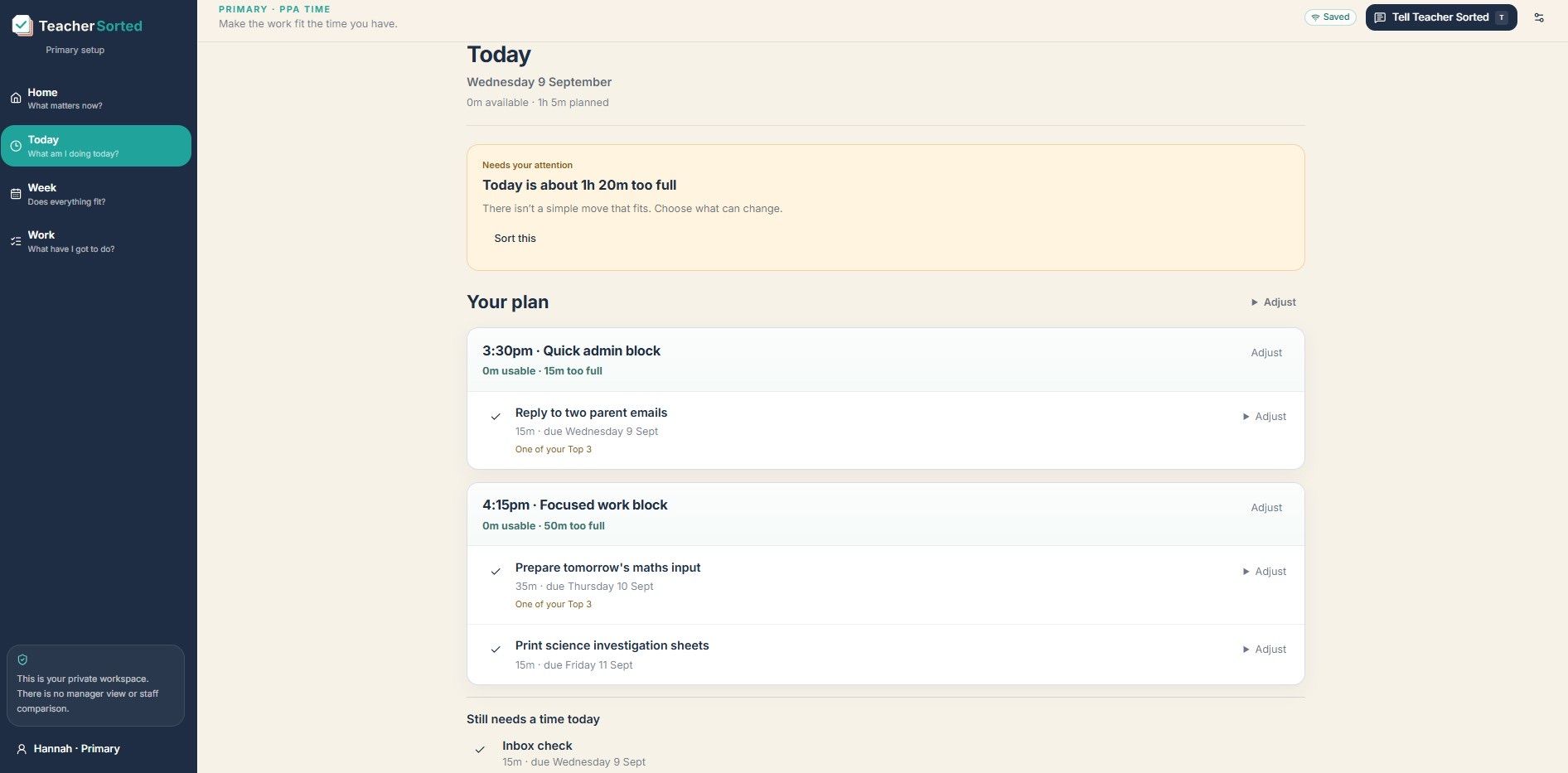
You may need to move a deadline, reduce the standard, ask for help or explain that another task will not be completed this week.
Keeping the gap visible makes that conversation easier. It turns a vague feeling of being behind into something specific:
- This is the work.
- This is the time.
- This is what fits.
- This is what does not.
That is not poor organisation. It is an honest description of the week.
Protect the time you create
If you save time through a better routine, shared planning or AI, decide in advance how you will protect some of it.
You could:
- Set an end point.
Decide when the task is finished enough. Do not let the saved time become an invitation to polish it indefinitely.
- Name the protected time.
Write down what the time is for. Leaving school, eating properly, preparing tomorrow or dealing with one important issue all count.
- Refuse the automatic refill.
Do not immediately add another task just because there is space.
- Leave a restart point.
If you stop before a job is complete, write down the next step. “Open the shared folder” is more useful than “finish planning”.
- Review what actually changed.
Did the new approach reduce the work, or did it simply help you take on more?
Teacher Sorted is built around this distinction. It helps you compare the work with the time you have actually chosen to make available, then shows when the two do not fit. It does not decide what you should sacrifice, move tasks without your say-so or assume that a newly available block should be filled.
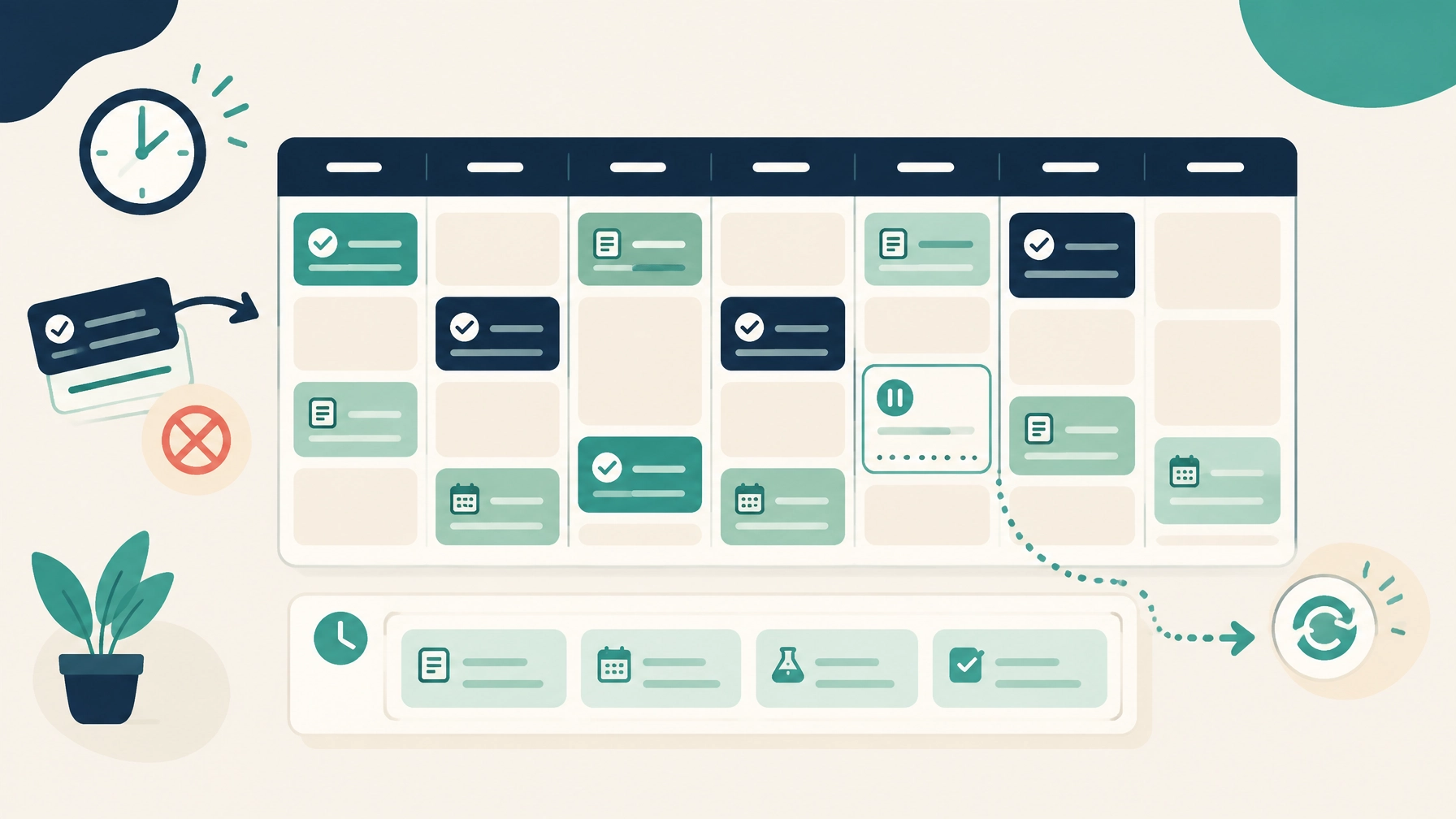
You can see how Teacher Sorted works if you want to explore that approach. The same principle also works with a notebook, diary or spreadsheet.
The important thing is to keep the work and the time in view together.
Productivity is a tool, not a workload policy
Working more efficiently can make a difficult week more manageable.
It cannot decide what matters. It cannot remove an unnecessary meeting. It cannot make five hours of work fit into three. It cannot protect your evening unless you choose to protect it.
Use productivity improvements where they help. Save the planning time. Reuse the resource. Shorten the email.
Then make a deliberate decision about what the saving gives you.
Otherwise, the work will probably find it.
The aim is not to finish every task. It is to make honest choices about the work that fits the time you have, and to stop treating every spare minute as another obligation.